Translator all languages1.13
Publisher Description
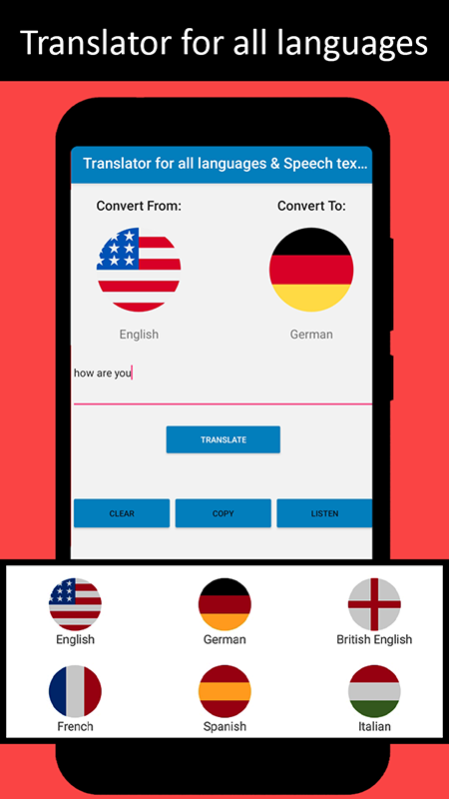
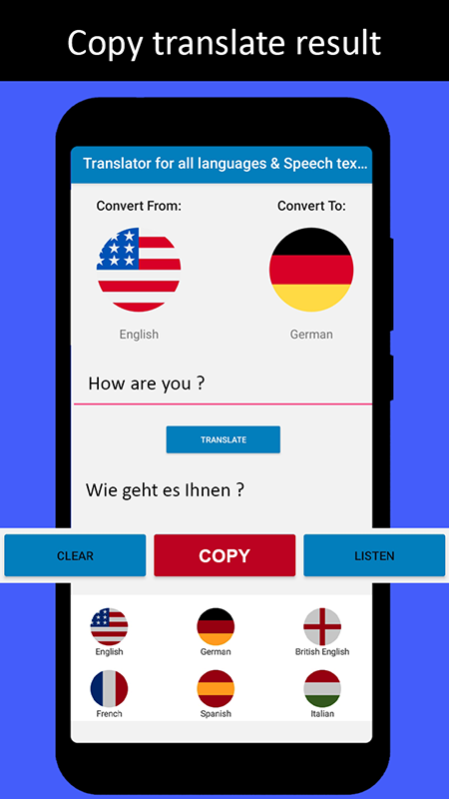
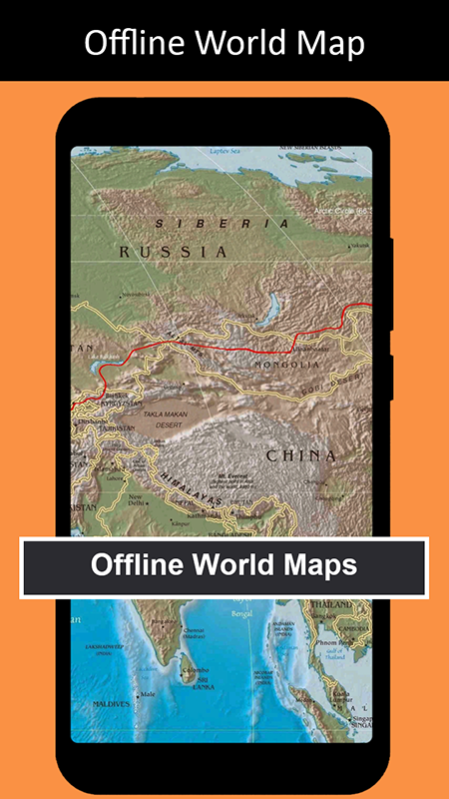


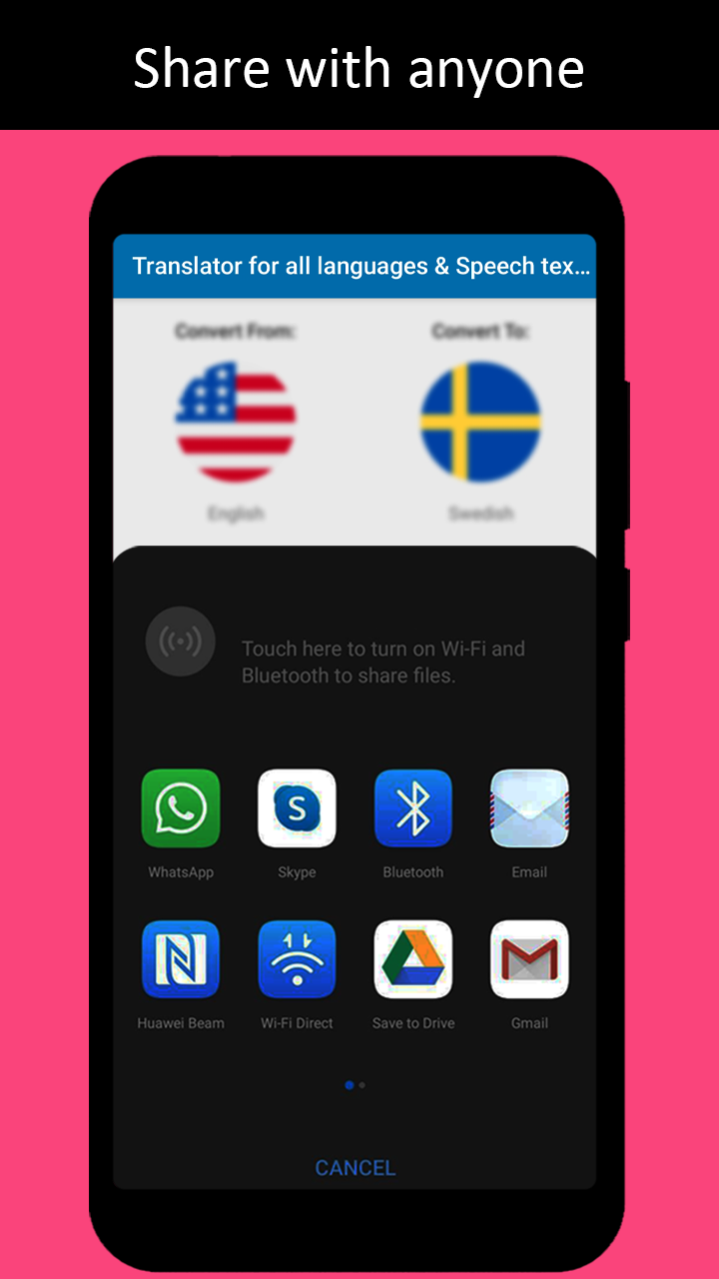
With the new smart translator for all languages with voice text translation feature you can speak and understand any language around the world in simple and easy way. The universal translator can get voice input and text input in any language and translate it in text from or it can speak the translation in any language of your choice. Learn and share the new all language learning and speaking app for free to your friends and family across the world.
The free translation App can translate in all world languages including voice text translator. Travel around the world or translate any document in any language with words translator. The app offers all world speaking 100 plus languages. Translate all language with free live text translator app. Speech Text Translator is hall mark for speech & text writing exchange. Universal language speech translator is speech translator application is good to translate texts designed for translation from Chinese to English, English to Spanish, English to Chinese English to Hindi, English to French, Dutch to Chinese Simplified (简体中文) and other world languages.
Now Globalized multilingual will not have any pronunciation problems. Online translate all langue speech Voice text translator app translate free fast in your phone or tablet. Text translate scanner is friendly partner of all travelers to help translate all language with voice and speech Text Translator. Everyone faced communication problem when travel around the world. Now it is easy to communicate with outside world by using the real time translation app for translation text, correct pronounce, translate voice, and convert phrases. This is the new era of speech interpretation with online language converter, photo statements, voice translations and complete paragraphs for you.
Speech by speech to word to word text translation in a simple and quick way you can translate any ideas, voice, messages, verbal and non-verbal information into other languages. Translate all language with speech & voice text Translator app is now eliminating the restriction of language barrier when you feel helpless in the unpleasant situations of language understanding.
Translator for all languages & Speech text translate:
• Following 100+ Language supported in text and voice translation:-
• Afrikaans, Arabic ( عربى)
• Bengali (বাংলা), Bulgarian (Български), Bosnian (Bosanski),
• Chinese Simplified (简体中文), Chinese Traditional (繁體中文), Cantonese (粵語繁體中文), Catalan (Català), Croatian (Hrvatski), Czech (Čeština),
• Danish (Dansk), Dutch (Nederlands),
• English, Estonian (Eesti),
• Fijian, Filipino, Finnish (Suomi), French (Français),
• German (Deutsch), Greek (Ελληνικά),
• Hindi (हिंदी), Haitian Creole, Hebrew (עברית), Hmong Daw, Hungarian (Magyar),
• Icelandic (Íslenska), Indonesian (Indonesia), Italian (Italiano),
• Japanese (日本語), Klingon, Korean (한국어),
• Latvian (Latviešu), Lithuanian (Lietuvių),
• Malagasy, Malay (Melayu), Maltese (Il-Malti), Norwegian (Norsk),
• Persian (فارسی), Polish (Polski), Portuguese (Português), Querétaro Otomi,
• Romanian (Română), Russian (Русский), Samoan,
• Serbian-Cyrillic (Cрпски-ћирилица), Serbian-Latin (Srpski-latinica), Slovak (Slovenčina), Slovenian (Slovenščina),
• Spanish (Español), Swahili (Kiswahili), Swedish (Svenska),
• Turkish (Türkçe), Thai (ไทย), Tahiti (Tahitian), Tamil (தமிழ்), Telugu (తెలుగు), Tonga (lea fakatonga),
• Urdu (اردو), Ukrainian (Українська), Vietnamese (Tiếng Viê), Welsh, Yucatec Maya
About Translator all languages
The company that develops Translator all languages is Cyrax Technology. The latest version released by its developer is 1.13.
To install Translator all languages on your Huawei device, just click the green Continue To App button above to start the installation process. The app is listed on our website since 2023-04-11 and was downloaded 1 times. We have already checked if the download link is safe, however for your own protection we recommend that you scan the downloaded app with your antivirus. Your antivirus may detect the Translator all languages as malware as malware if the download link to C100895865 is broken.
How to install Translator all languages on your Huawei device:
- Click on the Continue To App button on our website. This will redirect you to Huawei Store.
- Once the Translator all languages is shown in the Huawei Store listing of your Huawei device, you can start its download and installation. Tap on the Install button located below the search bar and to the right of the app icon.
- A pop-up window with the permissions required by Translator all languages will be shown. Click on Accept to continue the process.
- Translator all languages will be downloaded onto your device, displaying a progress. Once the download completes, the installation will start and you'll get a notification after the installation is finished.
